
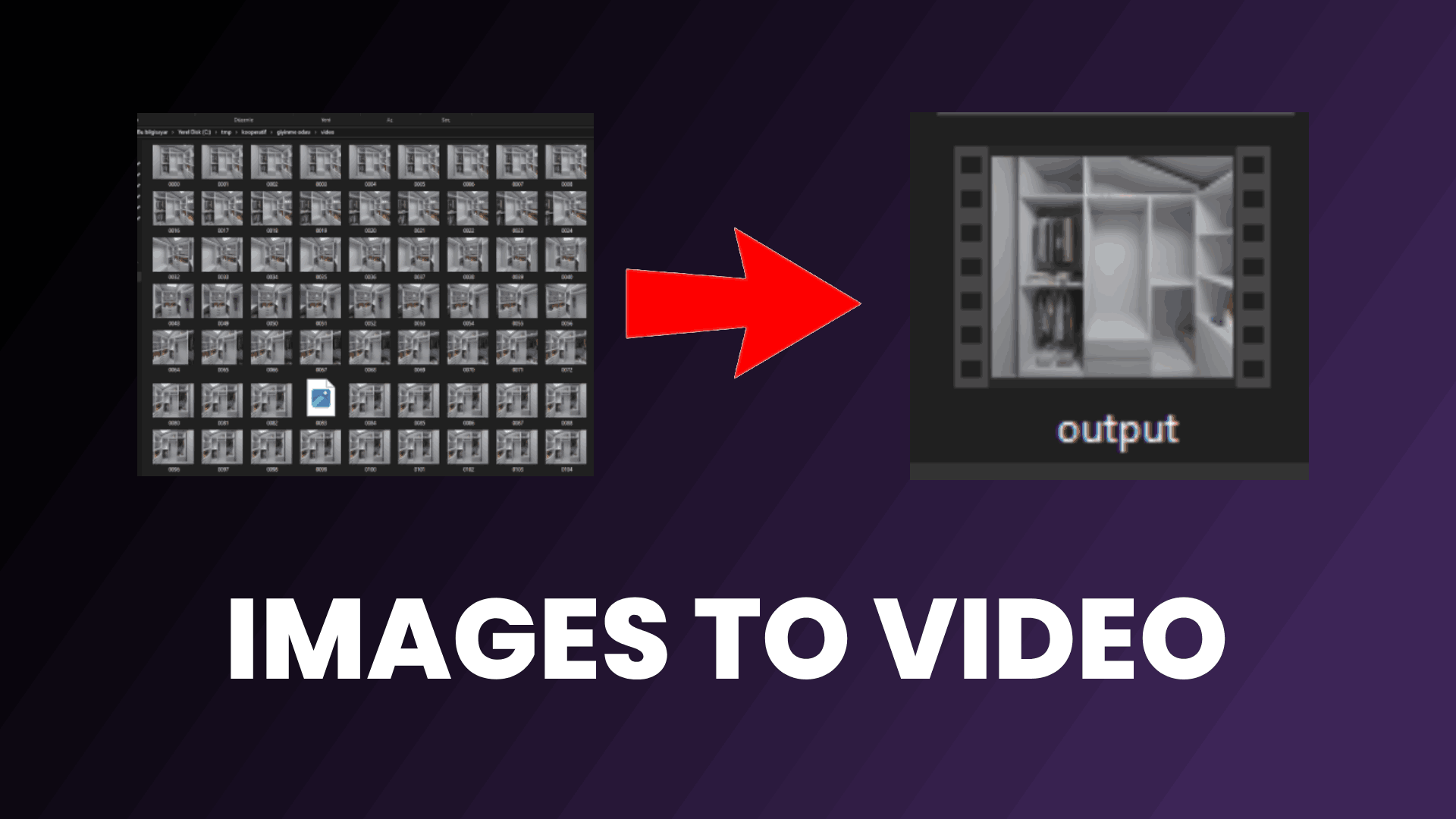
Rendering animations in Blender can be frustrating. After an error, all your hard work can go to waste. That's why it makes more sense to save as a PNG. You can then pick up where you left off later. Now I'll show you how to convert this image into a video as quickly as possible. For this, we need a piece of software. Don't worry, we don't need big software like Premiere or DaVinci. You need to have ffmpeg installed on your computer.
After installing ffmpeg, go to the folder where you rendered the animation. Type cmd in the search bar at the top. You need to paste the code I gave you in the description here. The part we need to adjust here is the format in which we saved the images. Shortly after running the code, you will see that the video, named output.mp4, is ready.
ffmpeg -framerate 24 -i %04d.jpg -c:v libx264 -pix_fmt yuv420p output.mp4